Terms:
- Question Stage: Where participants see the question in their Habit Builder experience i.e. Prep, Session, Commitment, Reflection.
- Question Component: Specific visualization included for that Question Type i.e. chart, table, average (single value).
Downloading an individual chart or table:
- Hover over the chart or table
- Click the download icon in the upper right
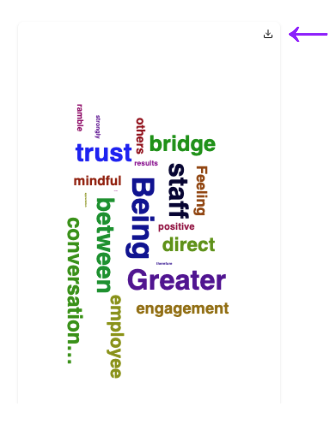
- Choose the download format
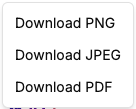
- Access the file wherever your downloads are stored
Downloading an individual Question Stage:
- Hover over the correct widget
- Click the download icon in the upper right
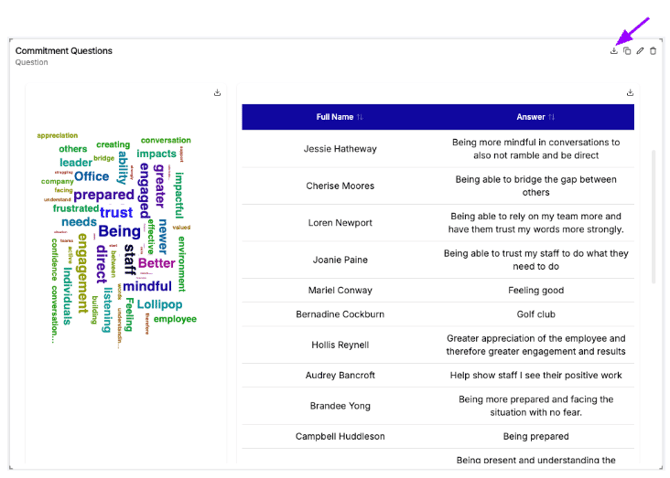
- Access the file wherever your downloads are stored
Copying an individual Question Stage:
- Hover over the correct widget
- Click the copy icon in the upper right
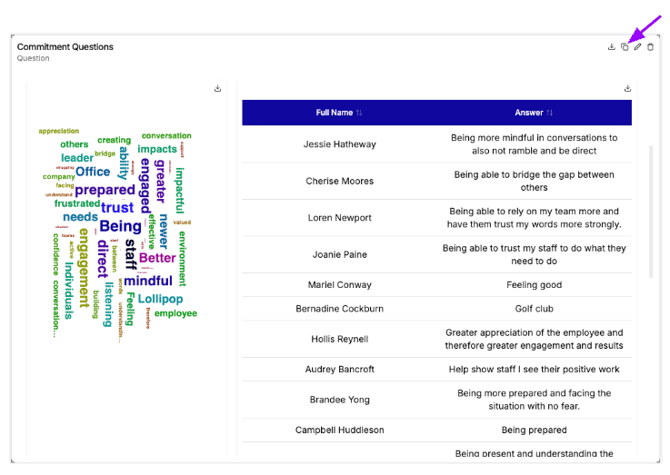
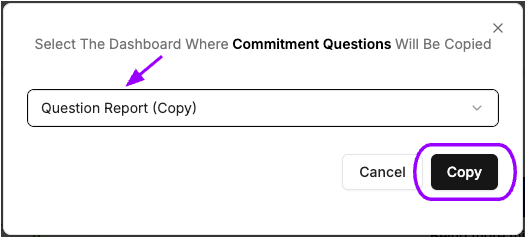
- Choose the dashboard where you want the widget and click Copy