<img height="1" width="1" style="display:none;" alt="" src="https://px.ads.linkedin.com/collect/?pid=3998860&amp;fmt=gif">
Skip to content
English
  • There are no suggestions because the search field is empty.

How do I Copy a Widget to Another Dashboard

Any widget can be copied from one dashboard and added to the same dashboard or another dashboard.

Widgets can be copied to any Custom Dashboard.

Copying an individual Widget:

  1. Hover over the correct widget
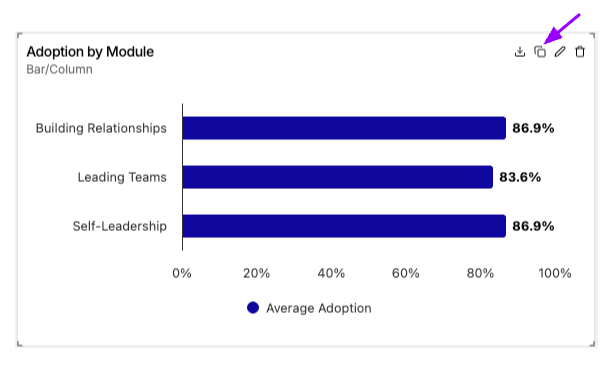
  2. Click the copy icon in the upper right
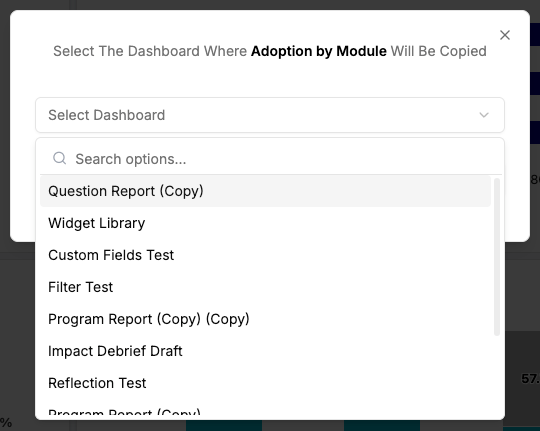
  3. Choose the dashboard where you want the widget and click Copy