Steps:
- Click the download option at the top of your dashboard

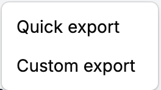
- Choose download type
- Quick export: downloads exactly what you see on the screen
- Custom export: allows customization of download
- Select your settings
- Filters
- Choose what filters to show at the top of the report when it's downloaded
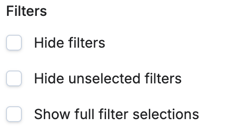
- Choose what filters to show at the top of the report when it's downloaded
- Page Layout
- Choose between continuous page or paged layout
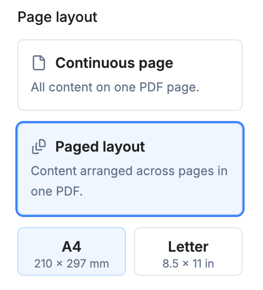
- Choose between continuous page or paged layout
- Content
- If the dashboard includes tables, choose whether to include all table rows or just include the amount of rows that show on the screen
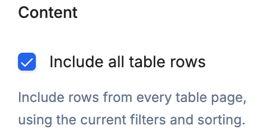
- If the dashboard includes tables, choose whether to include all table rows or just include the amount of rows that show on the screen
- Filters
- View your report preview
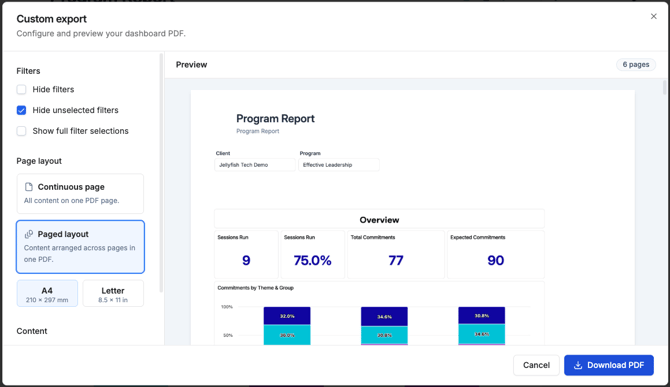
- Choose Download PDF