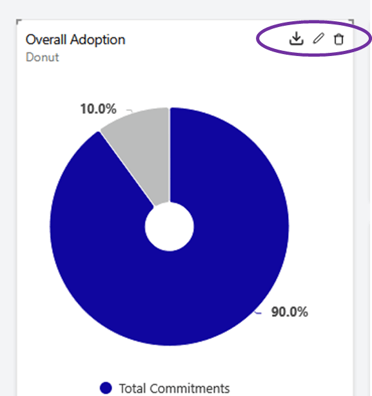
Steps:
- Make sure you are working with a custom dashboard in your “My Dashboards” collection. (If you don't have one, you can learn how to do that here).
- In the dashboard, hover over the widget you’d like to delete
- Click the “delete” icon at the top of the widget
- Resize/move your other widgets as you need.
Your dashboard will save as you go and when you download to pdf, you'll see whatever is currently on your screen.